How to do the Choosin' Texas Emo AI trend
By Sendare AI Studio · Updated October 26, 2026
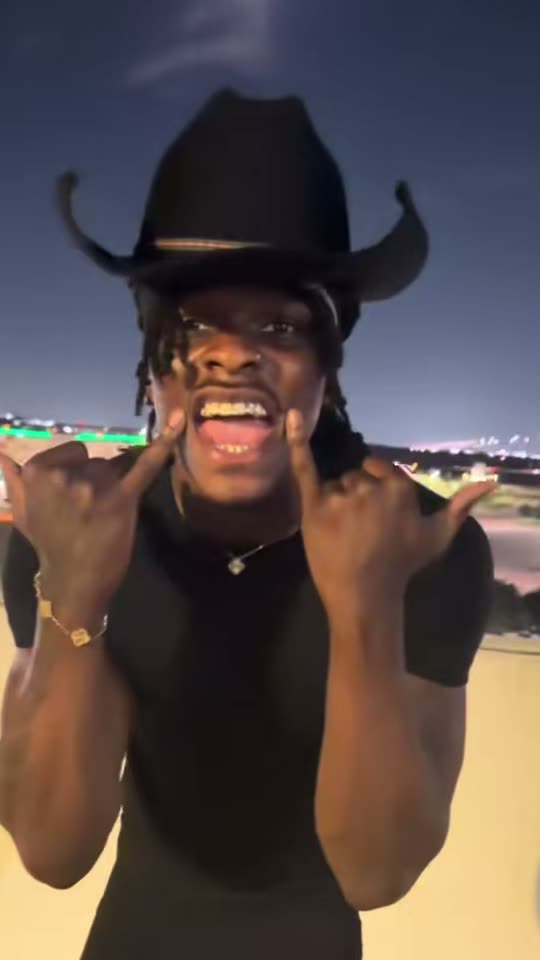
After @kobbapot belted Ella Langley's country hit 'Choosin' Texas' as a screaming 2000s emo rock anthem on a parking garage roof at night (13.2 million views and 1.6 million likes on TikTok), 'choosin texas emo cover' became one of October 2026's hottest y'allternative trends. Here is how to put yourself into the rooftop video from a single photo.
Make your own Choosin' Texas Emo video
One photo, 15s 720p MP4 with synced soundtrack, no watermark. From $6.90 one-time.
How do I make the Choosin' Texas emo video from my photo step by step?
1) Pick a clear, front-facing waist-up or full-body photo of one adult in good light. 2) Upload it on ChoosinTexasAI.com or sendare.co/choosin-texas-emo-ai. 3) Choose a one-time pass ($6.90 for 480p or $9.90 for 720p HD, no account or subscription). 4) Download your 15-second 9:16 MP4 with the rooftop emo vocal synced — it opens right on your screen and arrives by email.
Will I keep my own hairstyle or get the original singer's cowboy hat and locs?
You keep your own hairstyle and clothes from your photo. Our prompt explicitly strips out the black cowboy hat and long locs unless your uploaded photo shows them.